In short: You can create a virtual tour yourself with a 360 camera or smartphone app, stitching software and some patience. For a small office or showroom, that's doable in a few hours. Once the tour needs to appear on Google Maps, look genuinely professional and actually convert visitors, a certified provider is usually the faster route. Okapi Digital, based in Frankfurt, handles capture, stitching and publishing starting at €490 per location.
Learning how to create a virtual tour looks more complicated than it is. At its core it's three steps: shoot panoramic photos, stitch them into a navigable tour, publish it. How much effort that takes depends heavily on what the tour is for: a quick walkthrough embedded on your own website, or a full tour linked to Google Maps for a business with foot traffic.
What do you need to create a virtual tour?
The basic virtual tour equipment list is short: a capture source, stitching software and a publishing path.
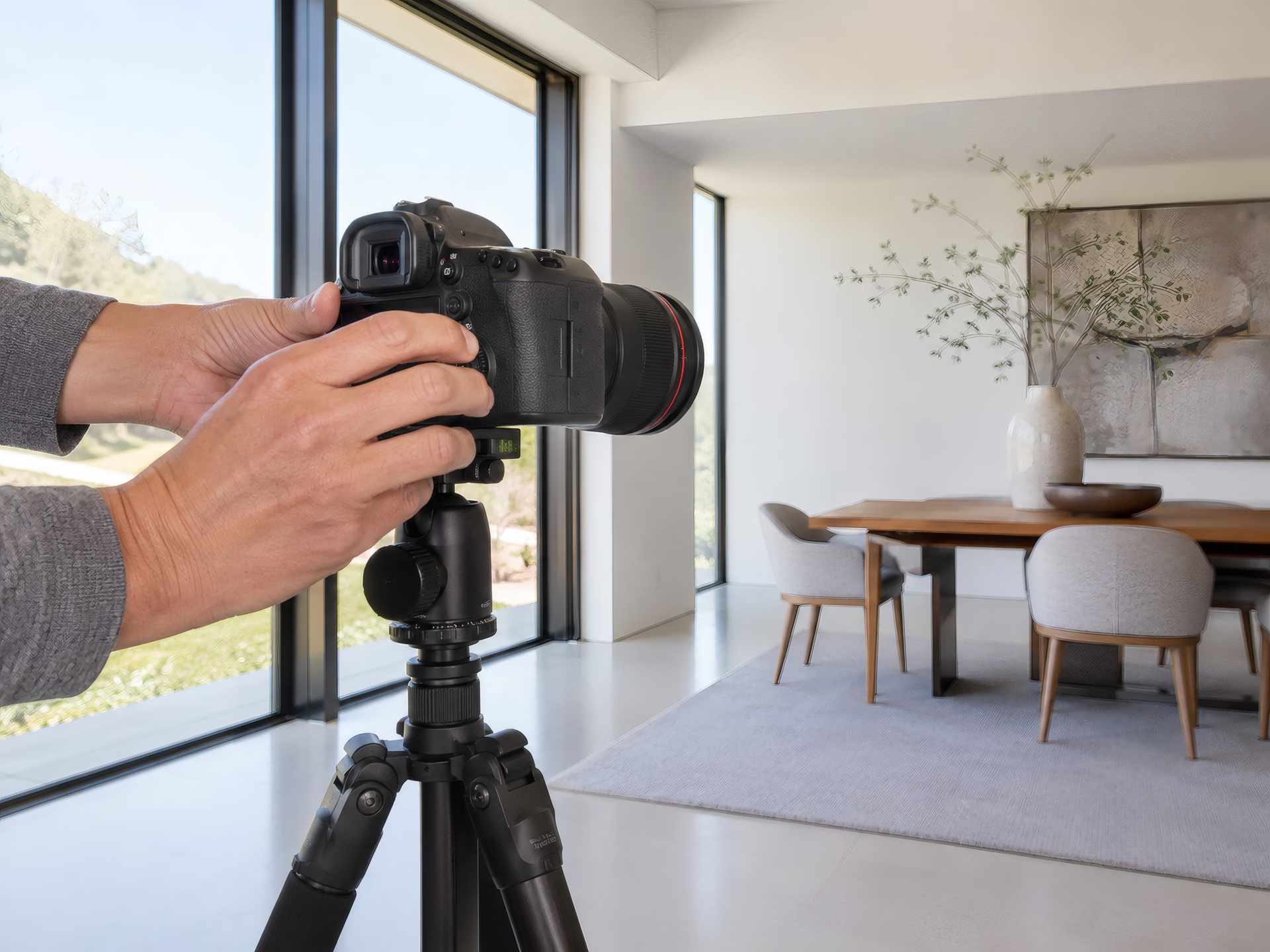
- Capture source. Either a dedicated 360 camera with two or more lenses that stitches a panorama automatically, or a smartphone app that captures a series of photos as you pan and stitches them together. The dedicated camera delivers more even exposure and fewer visible seams. A 360 camera for business use is worth the extra cost over a basic consumer model once resolution and manual exposure control matter.
- A leveled tripod. A wobbly or tilted tripod produces crooked horizons that are hard to fix afterward. A lightweight travel tripod with a bubble level is enough for interior shoots.
- Stitching and tour software. It links the individual capture points into a navigable tour and exports it for the web or for Google Maps.
- Light. Even daylight or added room lighting prevents blown-out windows and dark corners, the most common quality problem in DIY tours.
How to create a virtual tour step by step
- Plan the capture points. Decide in advance where the camera will stand in each room. A logical path (entrance, main room, side rooms) guides visitors through the tour in a way that makes sense.
- Prepare the space. Tidy up, hide cables, turn on the lights. Whatever shows up in the panorama stays visible indefinitely, unlike a short video clip.
- Shoot the panoramas. Position the camera at eye level at each point and capture the panorama. With shifting light (a window facing the sun, for example), a short pause between shots helps keep exposure consistent across the day.
- Stitch the images together. The software merges the individual shots into a seamless panorama and matches color and brightness across capture points.
- Link the navigation and publish. Capture points get connected with clickable hotspots so visitors can move from room to room. Then export the tour for your website, or upload it for Google Maps.
Which software and apps work for a virtual tour?
Every virtual tour software handles the same core task: merging individual shots and linking capture points. The differences show up in features. For beginners, the app that ships with the 360 camera is often enough: it handles stitching and basic navigation automatically. For more demanding tours with floor-plan views, markers and measurement tools, dedicated platforms like Matterport or Kuula add hosting and embed codes for your own website. If you want the tour to appear directly on Google, the free Google Street View app uploads your own 360 photos as an uncertified panorama to Google Maps, without the Trusted badge and without the quality check a certified provider performs. We cover that difference in detail in Google Street View Trusted Explained.
DIY virtual tour vs professional: which one should you choose?
Both paths get you a working tour, the difference is time, image quality and how the tour reaches Google Maps.
| DIY | Professional | |
|---|---|---|
| Time investment | 3–6 hours capture + post-processing | 1–3 hours on-site, the provider handles the rest |
| Image quality | Depends on camera, light and experience | Consistent exposure, professional stitching |
| Google Maps status | Uncertified panorama, no Trusted badge | Trusted status possible through a certified provider |
| Cost | One-time for camera/gear, no ongoing fees | From €490 per location, optional €19/month hosting |
| Best for | Clubs, one-off events, small spaces | Practices, hotels, dealerships, retail: anywhere with foot traffic |
For an internal project or a one-off event, DIY is a reasonable choice. Once the tour needs to win new customers and stay visible on Google Maps long-term, the effort of consistent quality and certification usually outweighs the time it takes to learn the DIY process.
How do I publish a virtual tour on Google Maps?
Searching "publish virtual tour Google Maps" usually turns up two routes in practice: a direct upload through the Street View app, or publishing through a certified provider. A DIY tour can be uploaded directly through the Google Street View app as a panorama. It then appears on Google Maps, but without the Trusted badge and without the guided navigation of a professional tour. A fully certified tour with Trusted status requires a Google-approved provider who links the capture to your Google Business Profile through the official interface. We walk through that process in detail, and how it differs from a self-published panorama, in Google Street View Trusted Explained. For how a tour then affects local ranking, see 360° Tours on Google Maps.
What does a virtual tour cost if you don't create it yourself?
A professional virtual tour starts at Okapi Digital from €490 per location, one-time, covering capture, stitching and publishing. Optional hosting and maintenance adds €19 per month, cancel anytime. The exact price depends on the size of the space and the number of capture points, a free discovery call clarifies the scope for your location.
Which industries and spaces benefit most?
A virtual tour works best anywhere customers want to see the space before their first visit: medical and dental practices, restaurants, hotels, car dealerships, gyms, law firms and retail. For dental practices, we go into detail on how a tour reduces patient anxiety, see VR Tours for Dental Practices in Frankfurt. For estate agents, where every tour shows a different property, a repeatable process matters even more, see Virtual Tours for Real Estate Agents in the Rhine-Main Region.
Embed it on your website, or Google Maps only?
A tour that lives only on Google Maps reaches people already actively searching for your business. Embedded on your own website, it also works on visitors who are still undecided, on the homepage, a services page, or a dedicated "see our space" page. Most tools provide a simple embed code (an iframe) that needs no developer work to add. Combine both and you win twice: the tour extends time on site, a signal that also helps organic search, while staying visible wherever local searches happen.
Common mistakes when creating a virtual tour
Most quality problems in DIY tours trace back to a handful of causes:
- Crooked horizon. An unleveled tripod shows up immediately in the finished tour and looks unprofessional.
- Blown-out windows. Without balancing exposure between the interior and daylight, details behind windows disappear completely.
- Too few capture points. Shooting only one point in a large room leaves visitors unable to see important areas. One extra point beats one too few.
- Cluttered spaces. Cables, trash cans or open cabinets stay visible in the panorama indefinitely. Unlike a quick snapshot, it stands out far more in a tour visitors actually walk through.
- An outdated tour. After a renovation or a redesign, the tour should be updated, otherwise it sets the wrong expectation before an actual visit.
The bottom line
You can create a virtual tour yourself with a 360 camera, a tripod and some practice, a practical option for small, one-off projects. Once the tour needs to keep winning customers, appear on Google Maps with Trusted status and support local ranking, a certified provider usually pays off faster than the DIY learning curve suggests.
Want to know what a virtual tour would cost for your space? Book a free discovery call. We'll scope the effort for your location and show you how the tour connects to your Google Business Profile. More on our offer on the 360° VR Tours page.