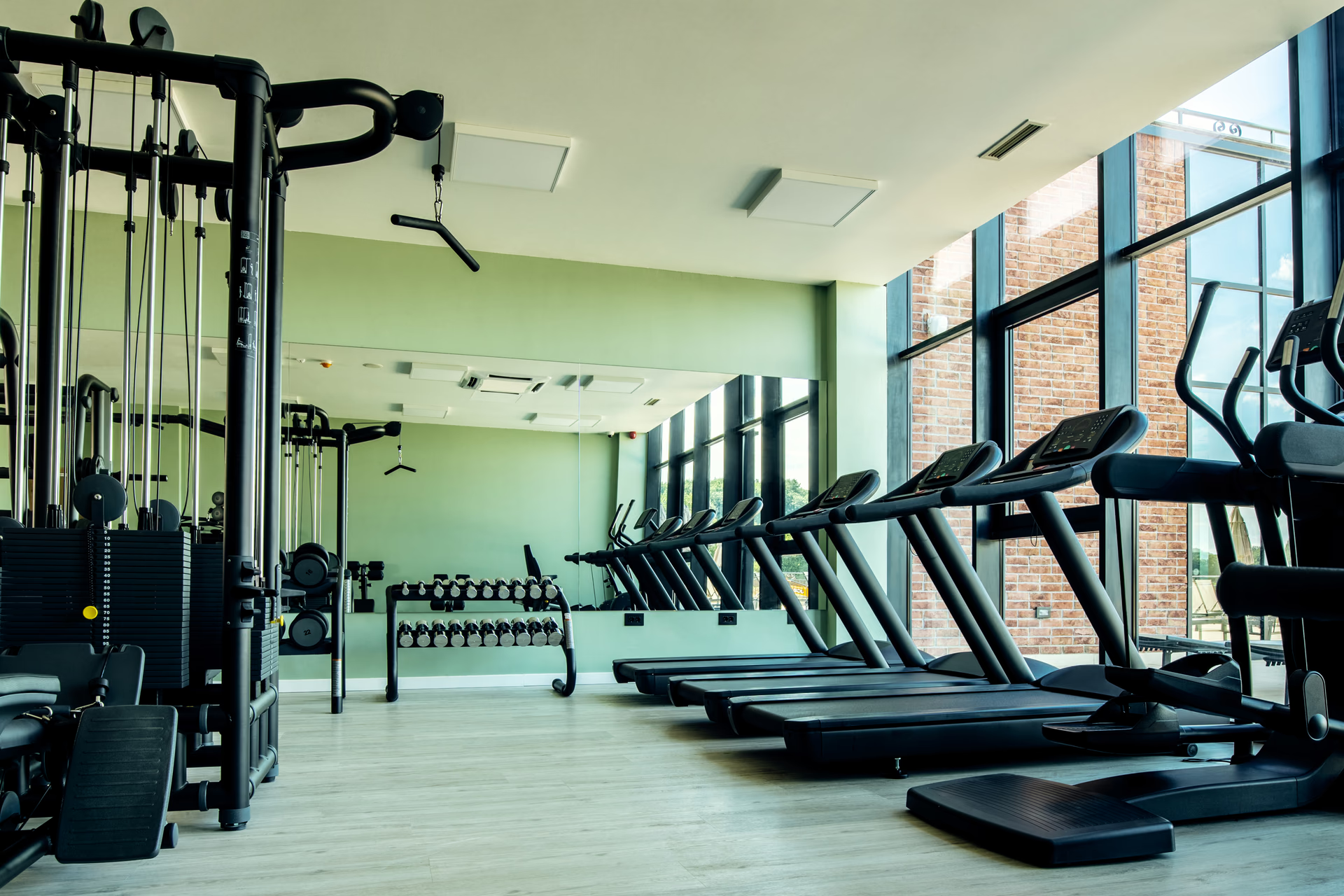
In short: A virtual tour for hotels shows rooms, lobby, restaurant and spa as a walkable 360 experience before a guest ever books. That cuts cancellations caused by mismatched expectations and strengthens direct bookings against Booking.com and Expedia. On Google Maps, the tour also extends the time visitors spend on your business profile, a signal that supports local ranking. Okapi Digital, based in Frankfurt, handles capture, stitching and publishing starting at €490 per location.
Guests usually book a hotel room without ever seeing it beyond a handful of photos on a booking platform. That's exactly where the risk sits: a room that looks bigger or brighter in a photo than in reality leads to disappointed guests, worse reviews and more cancellations. A virtual tour for hotels closes that gap: rooms, lobby and shared spaces become walkable, the way they actually look.
What does a virtual tour actually do for a hotel?
Three effects matter more for hotels than for most other industries:
- Fewer booking mismatches. Guests who see room size, bed layout and view beforehand book the wrong room less often and complain less after arrival.
- More direct bookings. A tour on your own website and Google Business Profile convinces guests to book directly instead of through a platform charging 15 to 20 percent commission per booking.
- Longer time on Google Maps. Visitors who click through a tour stay on the profile longer, a signal Google weighs for local searches like "hotel near me."
For properties with a large share of international guests, a fourth effect comes into play: a tour gets past language barriers that a text description alone can't solve. A guest who doesn't fully understand the room description still recognizes size, layout and view immediately while clicking through, regardless of which language the website is written in.
Which parts of a hotel need their own tour?
A hotel differs from most other industries using virtual tours in how many areas guests actually want to see. A single tour rarely covers it.
| Area | Why it needs its own tour |
|---|---|
| Room categories (standard, comfort, suite) | Guests pay for a specific difference and want to see it before booking |
| Lobby & reception | First impression, often the deciding factor between comparable prices |
| Restaurant & bar | Matters equally to business travelers and weekend guests |
| Spa & wellness area | Decisive for guests booking primarily for relaxation |
| Conference & event spaces | Often the single most important selection criterion for corporate clients |
| Outdoor areas & surroundings | Location and view, especially for properties with a garden, pool or city skyline |
Not every property needs all six. A city hotel without a spa skips that area; a resort with a garden adds it instead.
How does the shoot work for a hotel?
The technical process matches the general approach we cover in detail in How to Create a Virtual Tour: shoot panoramas, stitch them, link the navigation, publish. A hotel adds one extra layer of planning, because the result is several separate but linked tours.
- Define the areas. Before the shoot, decide which room categories, shared spaces and outdoor areas each get their own tour.
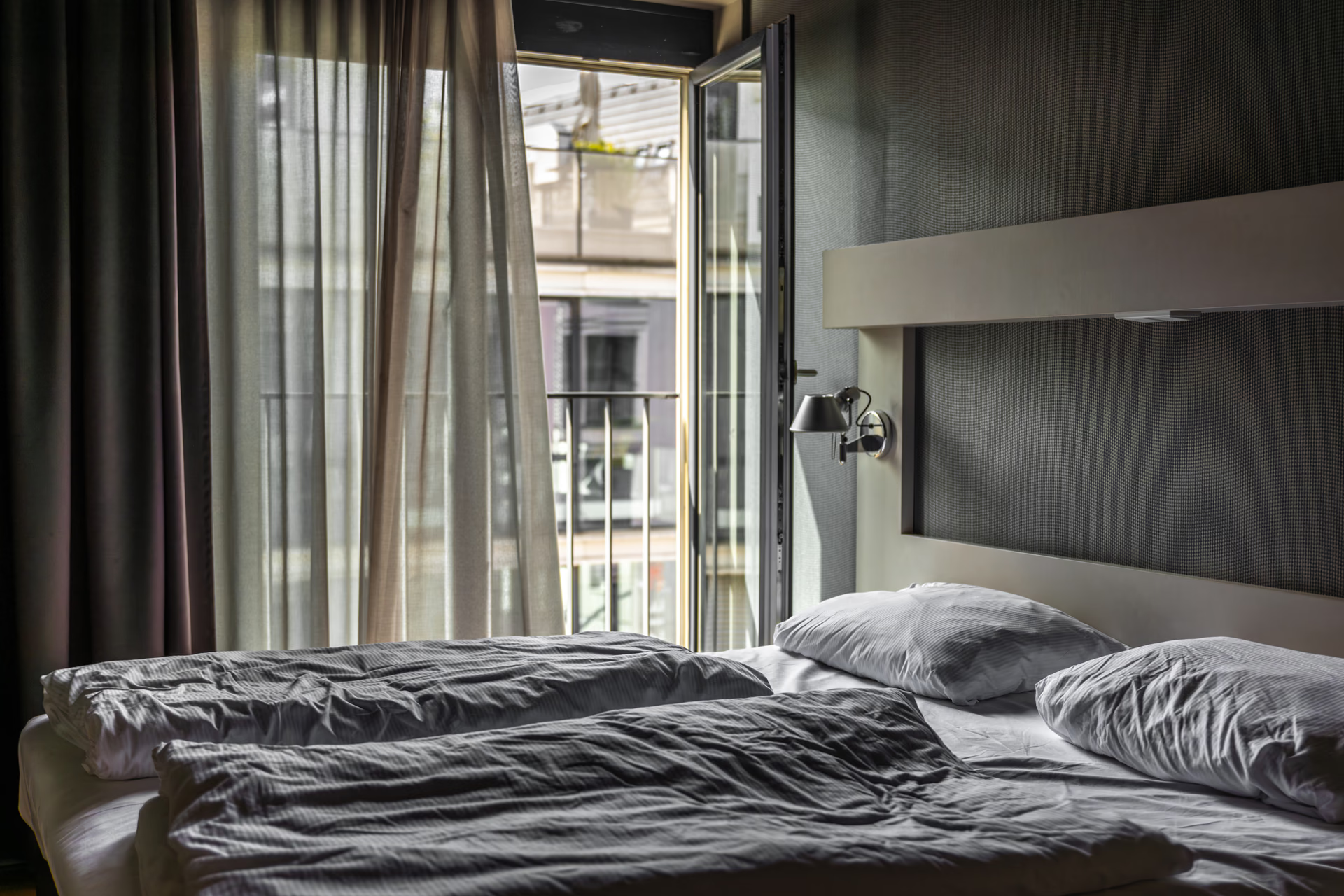
- Prepare the rooms. Make the beds, open the curtains, clear away clutter. Whatever shows up in the panorama stays visible indefinitely.
- Shoot each area. Every room category, the lobby, the restaurant and other areas get captured separately, usually in a single session.
- Stitch and link. The individual tours are linked to each other, so visitors can move from the lobby tour straight into a room category.
- Publish. The finished tours get embedded on your own website and linked to your Google Business Profile through the certified interface.
What does a virtual tour for hotels cost?
A virtual tour for hotels starts at Okapi Digital from €490 per location, one-time, covering capture, stitching and publishing. Optional hosting and maintenance adds €19 per month, cancel anytime. The exact price depends on how many areas need capturing: a small city hotel with two room categories sits at the lower end, a resort with a spa, restaurant and several room types costs more accordingly. A free discovery call clarifies the scope for your property.
How does the tour become visible on Google Maps?
A DIY tour can be uploaded through the free Google Street View app, but it then appears without the Trusted badge and without the quality check a certified provider performs. A fully certified tour with Trusted status requires a Google-approved provider who links the capture directly to your Google Business Profile. We cover that exact difference in Google Street View Trusted Explained. For how a tour then affects local ranking in the map results, see 360° Tours on Google Maps.
How often should a hotel tour be updated?
A tour loses its value the moment it stops showing what guests actually find on arrival. After renovating a room category, redecorating the lobby, or changing the restaurant concept, the affected tour should get reshot, not on a fixed yearly schedule. A new bedding concept or a redesigned breakfast area still shown in its old state sets an expectation that no longer matches check-in, and that kind of mismatch stands out far more in a walkable tour than in a single photo. Properties with a seasonal outdoor area, a terrace or a pool, benefit from a second outdoor shoot in the opposite season, so winter and summer guests both see an accurate picture.
Common mistakes when shooting a hotel tour
A handful of mistakes show up repeatedly in hotel tours, because several areas need managing at once:
- Unfinished rooms. An unmade bed, a visible cleaning cart or an open minibar compartment stays visible in the panorama indefinitely, unlike a quick booking photo.
- Uneven lighting between room categories. If the cheaper category looks noticeably darker because of poor lighting, the price gap looks bigger than it actually is.
- Missing links between areas. When the lobby tour doesn't link to the matching room category, guests have to hunt for each tour instead of clicking through the property.
- Seasonally mismatched outdoor shots. A terrace shot in winter looks bare and empty in peak summer, especially when guests are booking specifically for the outdoor space.
- An outdated tour after a renovation. Once the layout or furnishing of a shown area changes, the old tour loses credibility and needs replacing.
Is a tour enough, or does a hotel also need the right website for it?
A tour that lives only on Google Maps mainly reaches visitors already actively searching for your hotel. Embedded on your own website, it also works on guests still comparing several properties, especially on the room page right next to the booking engine. For how a hotel website should be structured so that comparison tips toward a direct booking, see Hotel Website Design.
The bottom line
A virtual tour for hotels turns flat room photos into a walkable, credible preview, exactly at the point where guests decide between your property and the competition. Showing rooms, lobby and standout areas like a spa or restaurant reduces booking mismatches, strengthens direct bookings against commission platforms and wins extra visibility on Google Maps.
Want to know what a virtual tour would cost for your hotel? Book a free discovery call. We'll scope the effort for your room categories and shared spaces. More on our offer on the 360° VR Tours page.